
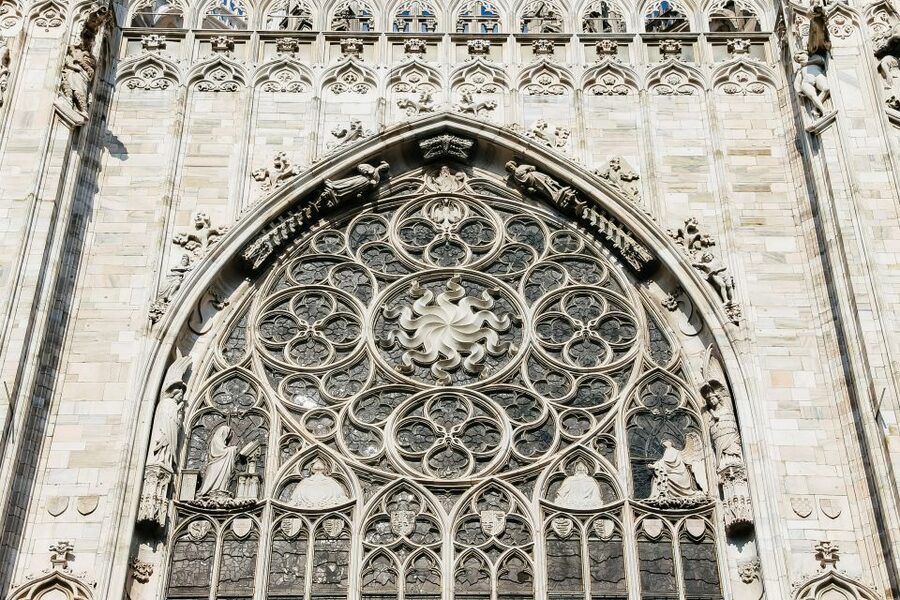
Milan, from the marble roof down.
Duomo terraces, Leonardo’s Last Supper, Brera lanes, Navigli aperitivo and the long blue day to Lake Como — choose the hours that earn a place in your trip.
Seven bookings that define Milan.
Milan rewards advance plans: a Duomo rooftop time slot, fifteen minutes with The Last Supper, La Scala’s gilded auditorium, then the city loosening its tie beside the Navigli canals.
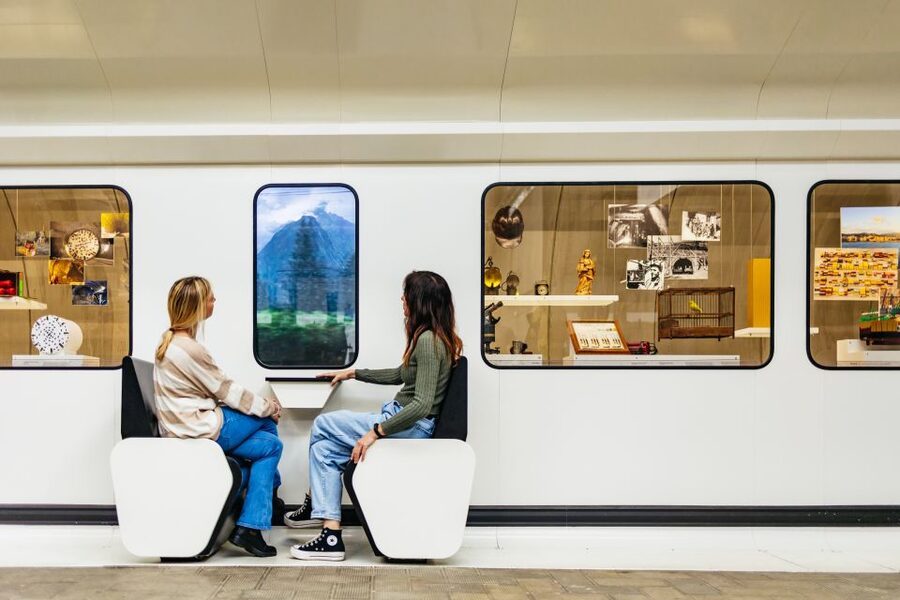
Science and Technology Leonardo da Vinci Museum Entry
Milan’s Science and Technology Museum pairs Leonardo da Vinci models with trains, ships, and space displays, including Italy’s moon fragment.
From $15 per person
Read the review → ★ 4.8Milan essentialFrom Milan: Como, Lugano and Bellagio Exclusive Boat CruiseFrom $956,635 reviews
 ★ 4.8Books out earlyFrom Milan: Como Private Boat, Bellagio and Lugano Day TripFrom $786,271 reviews
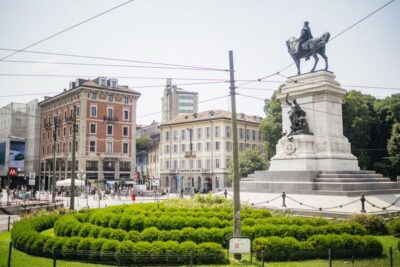 ★ 4.0Local favouriteCity Sightseeing Hop-On Hop-Off Bus with Audio GuideFrom $266,256 reviews
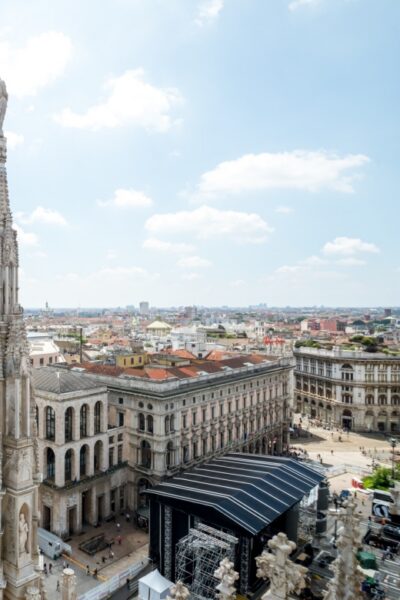 ★ 4.6Worth the detourMilan Cathedral: Duomo Terraces Ticket (No Church Access)From $226,111 reviews
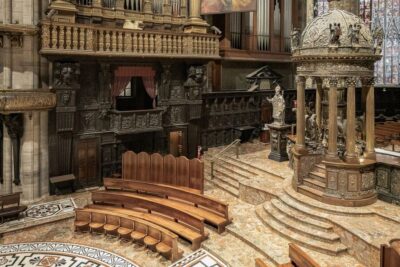 ★ 4.5Easy first pickMilan Cathedral Direct Entrance – Terrace ExcludedFrom $135,782 reviews
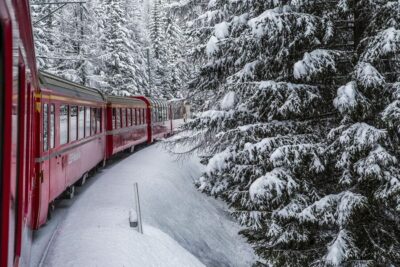 ★ 4.6Traveller favouriteFrom Milan: Lake Como Cruise, St. Moritz & Bernina Red TrainFrom $1595,648 reviews
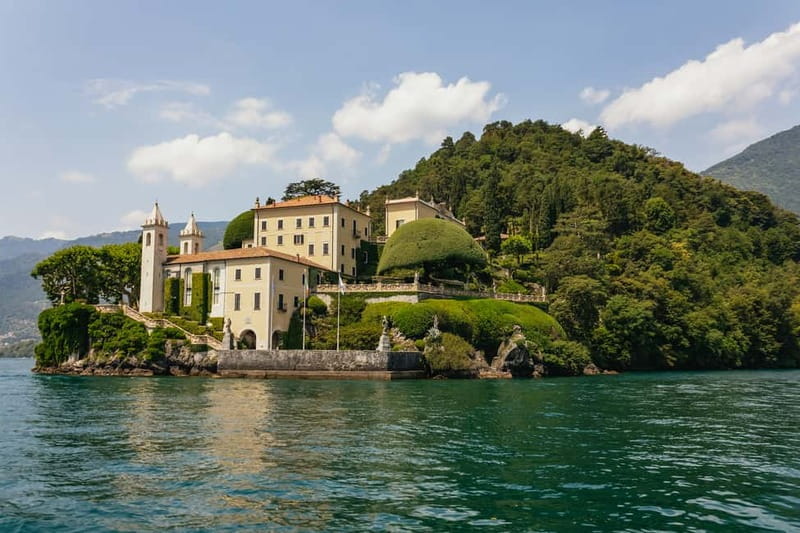
Lake Como earns the whole day.
Leave Milan early for Como’s lakeside arcades, cross the water to Bellagio, and watch the Alps sharpen behind ochre villas. The best routes balance boat time with enough freedom to wander before the return south.
Which lake day fits your trip?
The right route depends on how much you want to move. Choose the classic Como loop, cross into Lugano, or make Bellagio the main event; each option below is drawn from Milan’s live inventory.
 The Milan classic
Como and Bellagio
from $112 · 9,788 reviews
A coach north, a boat across the lake and unhurried time in Bellagio. This is the balanced first-timer route: the famous shoreline, the prettiest crossing and a straightforward return to Milan.
Compare Como and Bellagio days →
Two countries
Como, Bellagio and Lugano
11 hours · from $95 · 6,635 reviews
Add Switzerland to the lake circuit for palm-lined Lugano and a broader Alpine horizon. It is a fuller day with more movement, best for travellers who value range over long café stops.
See the Lugano combinations →
More lake time
Bellagio in focus
from $112 · 9,788 reviews
Give the pearl of the lake room to breathe: stepped lanes, waterfront gardens and a longer boat crossing. Choose this when the lake itself matters more than collecting stops.
See the Bellagio routes →
The Milan classic
Como and Bellagio
from $112 · 9,788 reviews
A coach north, a boat across the lake and unhurried time in Bellagio. This is the balanced first-timer route: the famous shoreline, the prettiest crossing and a straightforward return to Milan.
Compare Como and Bellagio days →
Two countries
Como, Bellagio and Lugano
11 hours · from $95 · 6,635 reviews
Add Switzerland to the lake circuit for palm-lined Lugano and a broader Alpine horizon. It is a fuller day with more movement, best for travellers who value range over long café stops.
See the Lugano combinations →
More lake time
Bellagio in focus
from $112 · 9,788 reviews
Give the pearl of the lake room to breathe: stepped lanes, waterfront gardens and a longer boat crossing. Choose this when the lake itself matters more than collecting stops.
See the Bellagio routes →
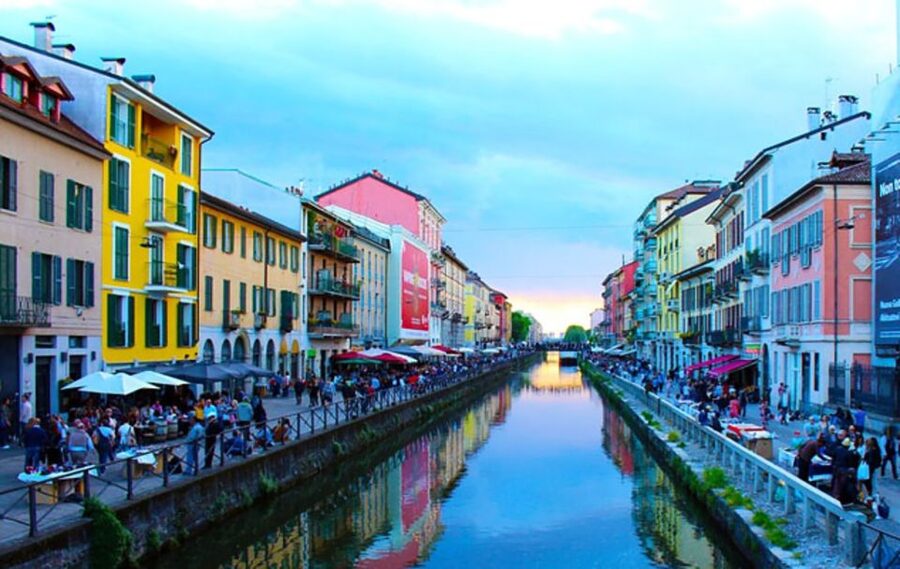
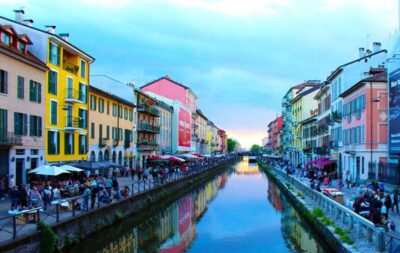
Milan softens beside the canals.
Navigli shifts from vintage shops and courtyards to aperitivo glasses reflected in the water. A guided evening adds the food stories, tucked-away bars and side streets that make the district more than a postcard.
Aperitivo is only the beginning.
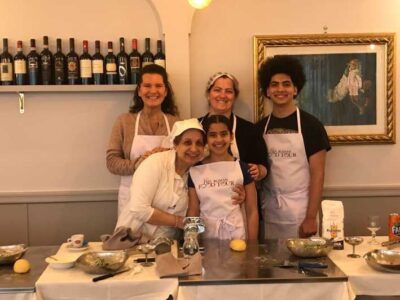
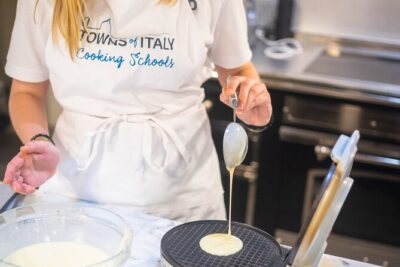
Milan’s table runs from market counters and saffron risotto to fresh pasta classes and late plates beside the canals. These picks turn lunch or an evening drink into a proper piece of the city.

Take the red train higher.
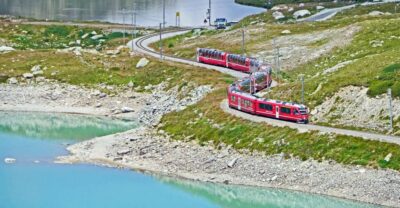
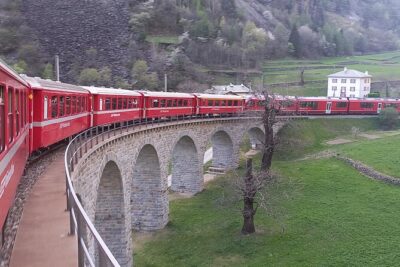
The Bernina line climbs from Italian valleys into Switzerland without a rack railway, passing glaciers, stone viaducts and St Moritz. It is Milan’s biggest day out and one of its most memorable.

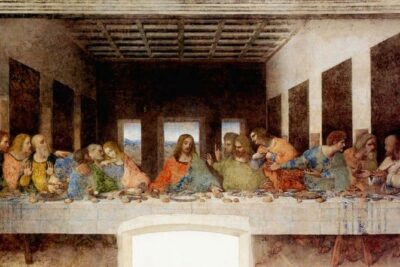
The Last Supper sets the clock.
Entry to Santa Maria delle Grazie is timed and scarce, but the painting is only the beginning. Follow Leonardo through working notebooks, castle courtyards and machines that still feel startlingly modern.
Build Milan landmark by landmark.
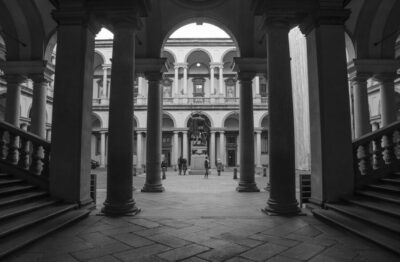
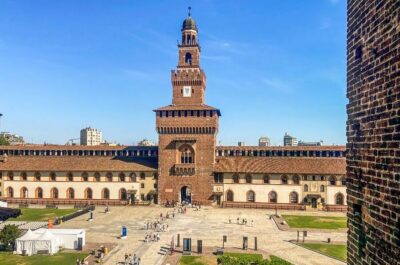
Start with the Duomo, cross the historic centre to La Scala and Brera, then follow Leonardo west to Santa Maria delle Grazie and Sforza Castle. Save Navigli for the evening.
Know what you’re after?
Twelve ways into Milan — choose by pace, appetite or landmark, with every live option counted from the current inventory.
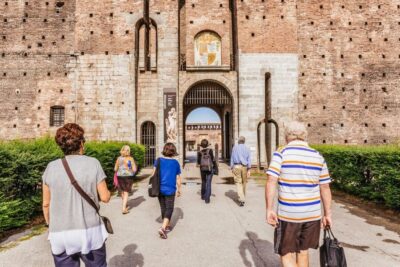

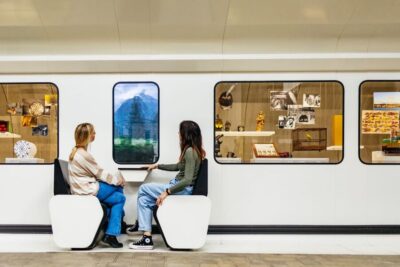
Out by nine, back for dinner.
Fast roads and rail lines put lakes, Swiss peaks and Renaissance cities within reach. These six routes are the most useful ways to trade Milan’s stone streets for a full day beyond the city.
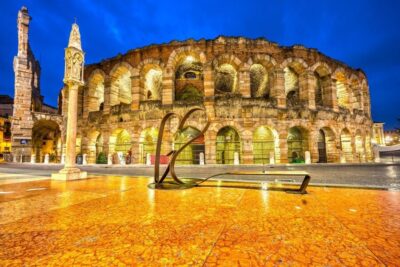
Three days, done right.
Milan fits elegantly into three days: one for its essential masterpieces, one for neighbourhood texture and one to follow the water north.
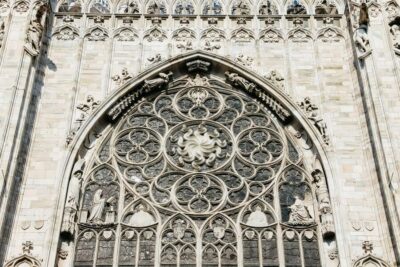 Day 1
Climb above the Duomo
Walk the cathedral roof before the centre fills, cross Galleria Vittorio Emanuele II to La Scala, then finish among Brera’s courtyards and galleries.
Plan day one →
Day 1
Climb above the Duomo
Walk the cathedral roof before the centre fills, cross Galleria Vittorio Emanuele II to La Scala, then finish among Brera’s courtyards and galleries.
Plan day one →
 Day 2
Leonardo to Navigli
Book The Last Supper first, continue through Sforza Castle, then follow the city southwest for aperitivo and a canal cruise at sunset.
Plan day two →
Day 3
The lake
Leave early for Como and Bellagio, take the long view from the water, and return to Milan after the villas turn gold.
Plan the Lake Como day →
Day 2
Leonardo to Navigli
Book The Last Supper first, continue through Sforza Castle, then follow the city southwest for aperitivo and a canal cruise at sunset.
Plan day two →
Day 3
The lake
Leave early for Como and Bellagio, take the long view from the water, and return to Milan after the villas turn gold.
Plan the Lake Como day →
The newest experiences to join the city.
 ★ 5.01-Day Personal Fashion Styling Course for WomenFrom $8683 reviews
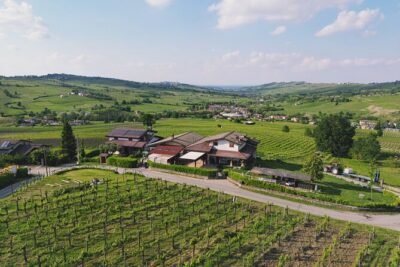 ★ 5.0Visit winery and vineyards, tasting 4 wines with 3 matching dishesFrom $483 reviews
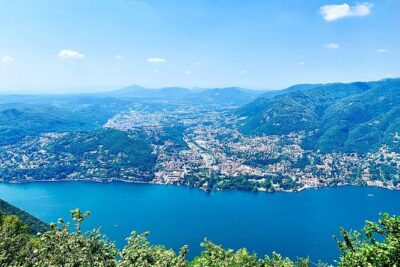 ★ 5.0MTB Tour Lake Como Mountain Views & Local CuisineFrom $3143 reviews
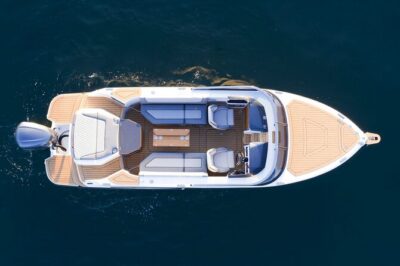 ★ 5.0Luxury Sunset Lake Como 1h or experience with enchanting viewFrom $3473 reviews
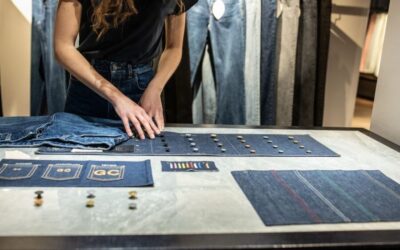 ★ 5.0Native Venice Wine Experience Tour and TastingFrom $703 reviews
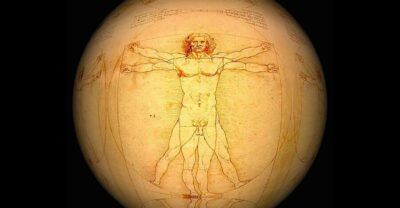 ★ 3.0Leonardo da Vinci Museum Guided Tour with TicketFrom $1493 reviews
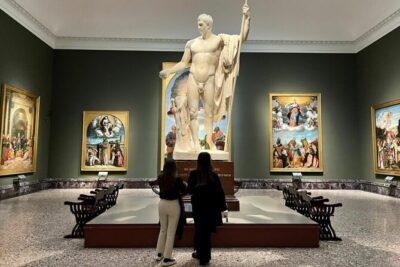 ★ 5.0Private Brera Gallery TourFrom $2173 reviews
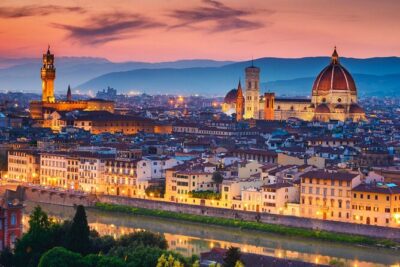 ★ 5.0Private Transfer from Milan to FlorenceFrom $1,1053 reviews